
How to connect Xero to BAS lodgement for faster GST compliance
Instead of manually transferring GST totals into a separate lodgement process, set up Xero BAS lodgement with ATO authorisation so you can review and submit supported activity statements from your accounting records. This 2026 guide covers the connection, the checks before submission and the alternative workflow when your tax or BAS agent lodges for you.
- Xero BAS lodgement connects accounting records to submission; bank reconciliation and GST coding still need review.
- Confirm Xero supports your activity statement and notify the ATO of the relevant software authorisation.
- Daintree Consulting provides bookkeeping and BAS support for Australian businesses needing help with reconciliation and compliance.
- Choose either direct lodgement or agent lodgement, and assign responsibility before submitting.
Why this matters
A successful connection does not make an activity statement correct. Xero can carry your recorded transactions into BAS calculations, but incorrect tax codes, missing invoices and unreconciled payments still affect the result.
Daintree Consulting's bookkeeping and BAS support is best for Australian business owners who want help with reconciliation and compliance. Explore Daintree Consulting if you need accounting support alongside the setup.
For your 2026 process, separate the work into preparation, authorisation and submission. Preparation establishes reliable figures; authorisation permits the software to communicate with the ATO; submission sends the reviewed statement. None replaces the others.
The practical benefit is a clearer path from source records to lodged figures. Keep the review evidence and receipt together so you can explain both what was lodged and why.
Before you start
- Confirm access and suitability. Have access to the correct Australian Xero organisation, its ABN and GST registration details. Confirm that your subscription, activity statement type and user permissions support the intended lodgement workflow before starting.
- Prepare the records. Gather bank and credit card statements, sales and purchase documents, payroll records where relevant, and the ATO activity statement for the period. Check the GST accounting basis and reporting frequency against the ATO's records.
- Resolve the authorisation gotcha. A Xero login alone does not authorise ATO lodgement. For direct lodgement, arrange the required software notification and an authorised person to complete it; for agent lodgement, confirm the agent's authority and responsibility instead.
For an online business-authorisation process in 2026, distinguish your personal digital identity from permission to act for the business. The Australian Government's myID establishes identity; Relationship Authorisation Manager, or RAM, manages business authorisations. Neither is a substitute for checking the software connection itself.
Choose who will lodge
Choose the submission route before connecting anything. One person or practice should own the final lodgement decision for each period. Preparing a statement in Xero and having an agent submit it elsewhere are not the same workflow.
| Workflow | Best for | Advantage | Limitation |
|---|---|---|---|
| Direct lodgement from Xero | Businesses with supported statements and someone responsible for BAS review | Keeps preparation and supported submission close to the accounting records | Requires suitable access, ATO authorisation and an internal review process |
| Agent-managed lodgement | Businesses wanting a registered tax or BAS agent to manage submission | Places the final review and submission with an appointed agent | Requires clear handover, approval and confirmation of what was actually lodged |
Direct lodgement does not remove your responsibility for accurate information. Agent-managed lodgement does not remove your responsibility to provide complete records and disclose unusual transactions.
Daintree Consulting provides bookkeeping, tax and BAS compliance services. Agree on the scope of support rather than assuming bookkeeping automatically includes BAS review, submission and follow-up.
GST settings
Establish the reporting basis
- Open the correct Xero organisation and check its business identity against the ATO activity statement. Confirm the ABN before reviewing figures; an organisation name alone is not a sufficient check.
- Open the organisation's financial settings and inspect the GST accounting basis and reporting frequency. Match these to the ATO's records rather than choosing the setting that produces a preferred result.
- Find Activity Statement in Xero's reporting area and select the relevant reporting period. Check both the start and end dates against the statement you intend to lodge.
- Review the tax treatment of sales and purchases, particularly transactions with no GST, mixed use, imports or adjustments. Resolve uncertain treatment before using the totals for lodgement.
Expected result: the organisation, reporting period, GST basis and frequency agree with the ATO's records.
Cash and non-cash GST accounting recognise transactions differently. Under cash accounting, GST generally follows payments received and made; under non-cash accounting, attribution generally follows invoice or payment timing under the applicable rules. Do not switch the basis simply to change a BAS result.
Australia's standard GST rate is 10%, but not every transaction includes GST. A bank-feed rule based only on the supplier's name cannot establish whether a particular purchase contains claimable GST.
ATO authorisation
Connect the supported lodgement workflow
- Open the activity statement's electronic-lodgement connection process in Xero. Read the connection instructions for that organisation before authorising anything.
- Identify the software ID supplied for the connection. Use the details displayed by the software; do not substitute your ABN, Xero organisation identifier or another business's software ID.
- Have an authorised person notify the ATO of the hosted software service. In ATO Access Manager, the relevant area is My hosted SBR software services; follow the notification instructions using the software details provided.
- Return to Xero and complete the connection check. Confirm that the connection belongs to the intended business and retrieves the relevant activity statement before proceeding.
Expected result: the authorised connection can communicate with the ATO for the correct entity and supported statement.
If your registered agent will lodge through the agent's own software, follow that agreed process instead. Do not establish a separate direct-lodgement route merely because a connection option appears in Xero.
Connection authorisation and business access are separate controls. A person can have permission to edit transactions without being the person authorised to submit a BAS, so assign those responsibilities explicitly.
Review and lodgement
Reconcile the period
- Reconcile all relevant bank and credit card accounts through the reporting period. Investigate missing transactions, duplicates and unreconciled items rather than forcing balances to agree.
- Review sales, purchases and adjustment transactions included in the activity statement. Inspect the underlying detail, not just the headline GST payable or refundable figure.
- Compare the activity statement with supporting reports. Check GST labels 1A and 1B, total sales at G1, and any other labels required for that statement; review PAYG withholding separately where applicable.
- Record the review, obtain approval from the responsible person, then submit using Lodge in the supported direct-lodgement workflow. Save the submission response and verify the ATO's recorded outcome.
Expected result: the lodged statement matches the approved review, and you retain evidence that the ATO received it.
Use these 3 checks as your final review sequence: Reconcile records, Review GST, Confirm receipt. They keep accounting accuracy, submission and evidence distinct.
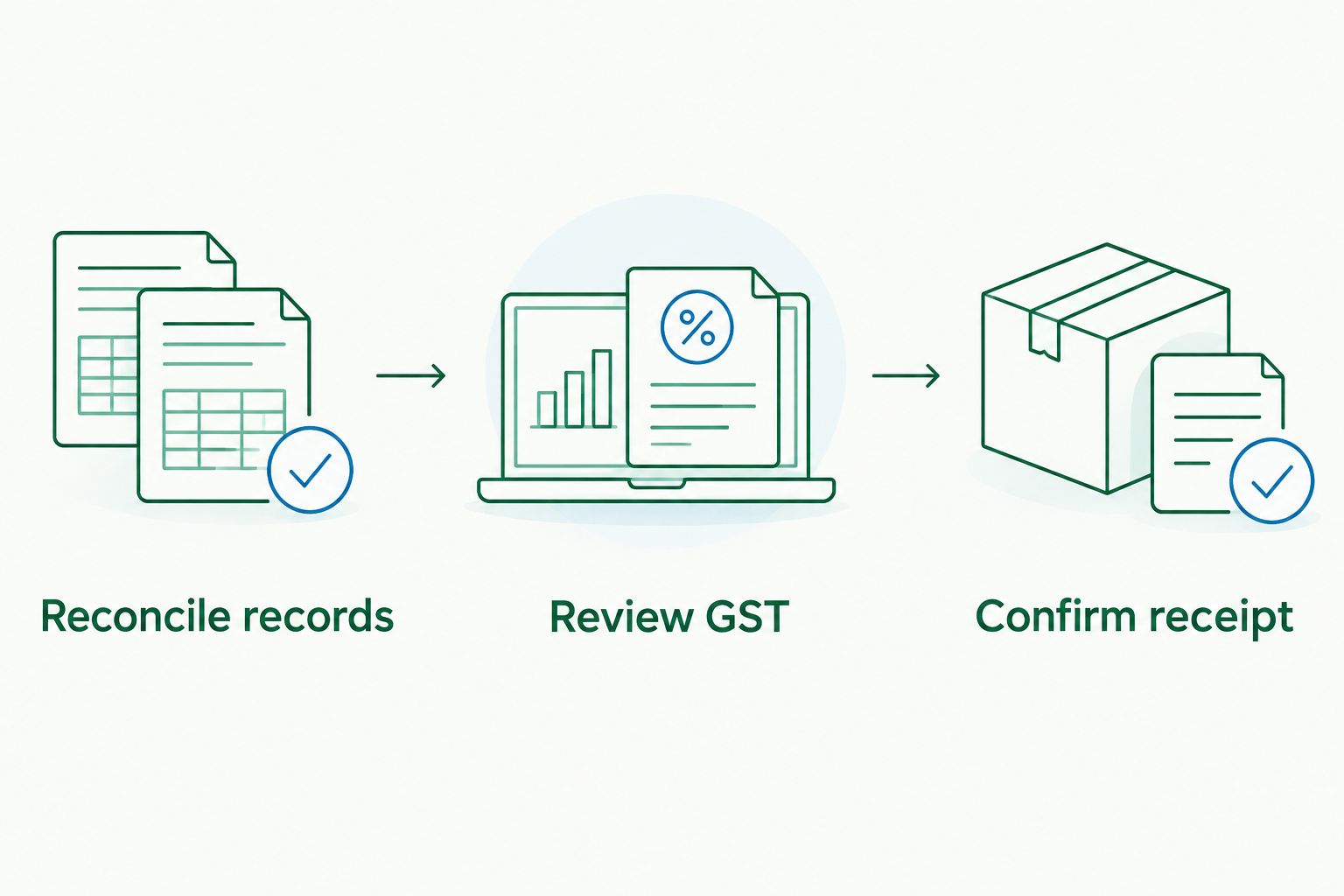
For your 2026 review file, retain the statement, supporting reports, approval evidence and lodgement receipt. Australian tax records generally need to be kept for at least 5 years, with longer requirements applying to some records and circumstances.
Lodgement and payment are separate tasks. After confirming submission, check the amount payable, the payment reference and the applicable due date through the ATO record or your appointed agent.
When your agent lodges instead
An agent-managed workflow uses Xero as the accounting source without making the business owner responsible for pressing the submission button. Agree who prepares, reviews, approves and lodges before the period closes.
- Finish the agreed reconciliation and provide outstanding documents. Flag unusual transactions, private-use adjustments, asset purchases and corrections rather than leaving the agent to infer their treatment.
- Give the appointed agent the access and reports required for the engagement. Avoid shared passwords; use individual user access and the appropriate business authorisation arrangements.
- Review the prepared BAS and answer questions before approval. Ask for an explanation of material differences from the accounting reports rather than approving an unexplained total.
- Obtain confirmation of lodgement and retain the final statement. Record any adjustments that need to be reflected in Xero so the ledger and lodged position remain explainable.
Expected result: your records support the agent's submission, and you know which approved version was lodged.
Daintree Consulting's BAS support can sit alongside bookkeeping and broader accounting services. The boundary still needs to be explicit: preparation, review, submission and payment oversight are separate responsibilities to agree.
When transactions change after preparation
A saved draft is not a permanent snapshot of settled accounting records. Late invoices, recoded purchases and backdated transactions can change the figures supporting a BAS.
If the BAS has not been lodged, review the changed transactions and refresh the statement before approval. Replace the earlier review copy so nobody submits figures that have since changed.
If the BAS has already been lodged, assess the correction under the ATO's applicable GST error-correction or revision rules. Do not assume editing Xero updates the lodged BAS. Keep a record of the original submission, the change and the correction treatment.
A useful 2026 control is to apply an appropriate lock date after completing the period, with restricted permission to override it. A lock date discourages unreviewed changes; it does not determine whether an ATO correction is required.
Troubleshooting
The ATO connection is rejected
Check that the software ID notification was completed for the correct entity and service. Confirm the person's business authority, then repeat the software's connection check; repeatedly changing GST settings will not repair an authorisation problem.
The expected statement does not appear
Compare the selected period, entity and reporting frequency with the ATO's record. Check that the statement is issued and supported by the chosen workflow before creating an alternative submission.
GST totals look wrong despite reconciliation
Reconciliation confirms how bank transactions were matched, not whether their GST treatment is correct. Inspect tax codes, missing source documents, duplicate invoices, private-use adjustments and the reporting basis.
The lodgement control is unavailable
Check user permissions, connection status and whether that statement supports direct lodgement. If an agent owns submission, hand over the reviewed statement through the agreed process instead of changing permissions unnecessarily.
Submission status is uncertain
Check the response, submission history and ATO record before trying again. A locally saved or finalised report does not establish successful ATO lodgement, and an unclear response is not a reason to submit blindly.
Customise your workflow
Start with a written allocation of responsibilities, not extra automation. Name the person who resolves missing documents, the person who reviews GST treatment and the person who confirms submission and payment arrangements.
For a business with payroll, add a separate review of the PAYG withholding amounts required on its BAS. For a business with unusual GST transactions, establish when those transactions need specialist review rather than treating them as routine bank-feed items.
Keep the process proportionate. Daintree Consulting offers bookkeeping, BAS compliance and advisory support; choose the support that addresses your actual gap rather than combining services without a defined responsibility.
FAQ
Can I lodge my BAS directly from Xero in 2026?
Yes, direct lodgement is available through supported Australian Xero activity statement workflows. Confirm your subscription, statement type, user permissions and ATO connection before relying on it.
Does connecting Xero to my bank connect it to the ATO?
No. Bank feeds import banking transactions; ATO lodgement requires a separate authorised software connection or an agent-managed submission process.
Do I need myID to connect Xero to the ATO?
The requirement depends on the authorisation route you use. For online government business access, myID establishes personal identity and RAM manages business authority; follow the ATO instructions for notifying the software service.
Why does my Xero GST report differ from my BAS?
Differences can arise from reporting periods, accounting basis, tax codes, adjustments or transactions changed after preparation. Compare the transaction detail and reporting settings before altering either set of figures.
Can my bookkeeper prepare the BAS while my accountant lodges it?
Yes, preparation and lodgement can be assigned separately. Agree on each person's scope, required registration and authority, approval process and responsibility for retaining the final receipt.
Does changing a transaction in Xero update a lodged BAS?
No. Assess the change under the ATO's applicable correction or revision rules and document how it is handled.
Does lodging a BAS in Xero also pay the ATO?
No. Confirm payment separately using the correct ATO payment details and applicable due date, even after successful lodgement.
One last thing
The most useful finishing check happens after submission: compare the lodged statement with the version you approved. Save both with the receipt, and record any difference immediately. That gives your next reviewer a clear starting point instead of another reconciliation problem.
